Image to Prompt Generator — Reverse Engineer Any AI Image (Free)
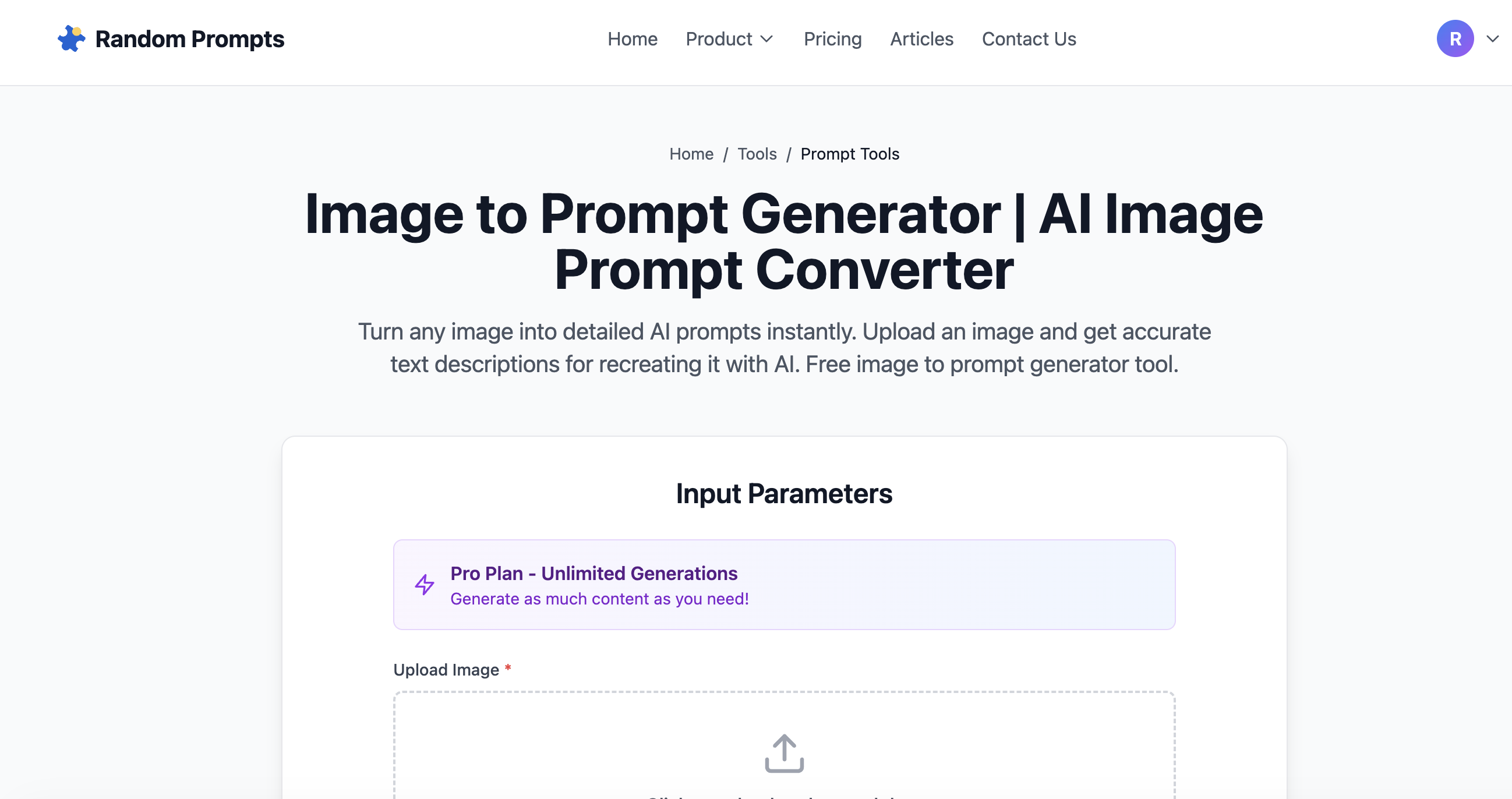
Found an AI-generated image you love but don't know how to recreate it?
Instead of guessing keywords or copying random prompts, use an Image to Prompt Generator to extract the style, structure, and descriptive elements directly from the image.
This tool analyzes any image and turns it into a detailed AI prompt you can reuse instantly.
Try the Image to Prompt Generator →
What Is an Image to Prompt Generator?
An image to prompt generator is an AI tool that:
It's commonly used for:
Whether you're trying to reverse engineer a specific look or learn what makes a prompt effective, this AI art prompt extractor gives you an instant breakdown of any image.
How to Use the Image to Prompt Tool
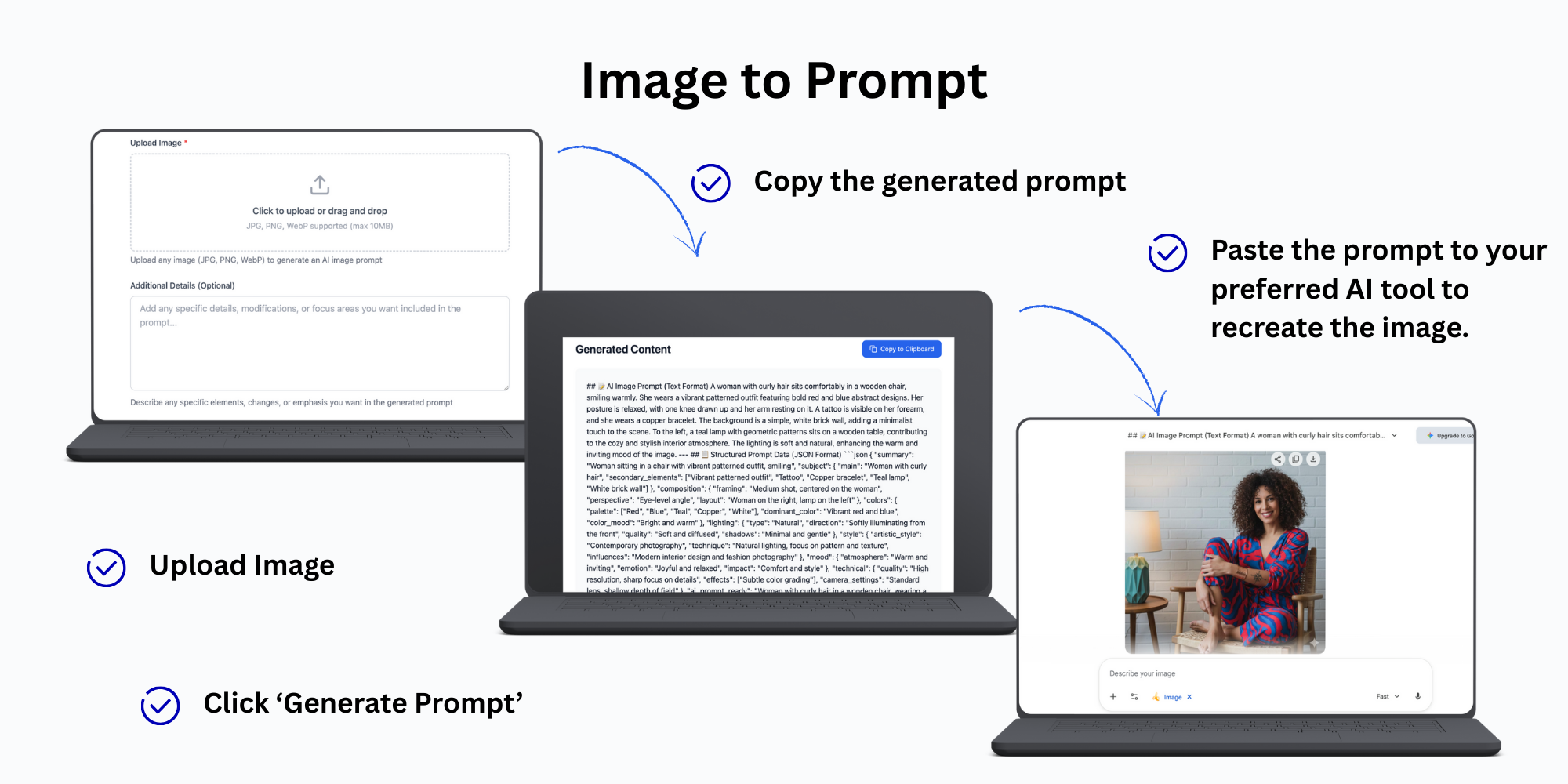
Step 1: Upload an Image
Upload any image you want to recreate or analyze — AI-generated art, photographs, illustrations, or design references.
Step 2: Analyze the Image
The AI detects:
Step 3: Copy the Generated Prompt
Use the extracted prompt directly in your AI image generator or modify it as needed.
Upload an Image and Extract the Prompt →
Why Reverse Engineering Prompts Works
Most AI art styles aren't magic — they're the result of:
By reverse engineering an image:
This is one of the fastest ways to improve your AI image prompting skills without deep technical knowledge.
Who This Tool Is For
If you've ever asked "how was this image made?", this tool is for you.
Combine With a Smarter Prompt Workflow
For best results, combine the image to prompt AI workflow with other tools:
1. Start with an image → extract the prompt using the Image to Prompt Generator 2. Refine it using the Prompt Expander tool to add more detail and structure 3. Reuse or save the prompt for future generations
This creates a repeatable, high-quality AI art workflow. Learn more about building a complete AI prompting workflow.
Common Use Cases
Final Thoughts
You don't need to guess AI prompts anymore.
With an Image to Prompt Generator, you can reverse engineer any image and turn it into a reusable AI prompt in seconds.
Whether you're recreating a style, learning how prompts work, or building a library of image-to-text prompts, this tool gives you the shortcut.