Prompt Expander: Turn Short Prompts into Detailed AI Instructions
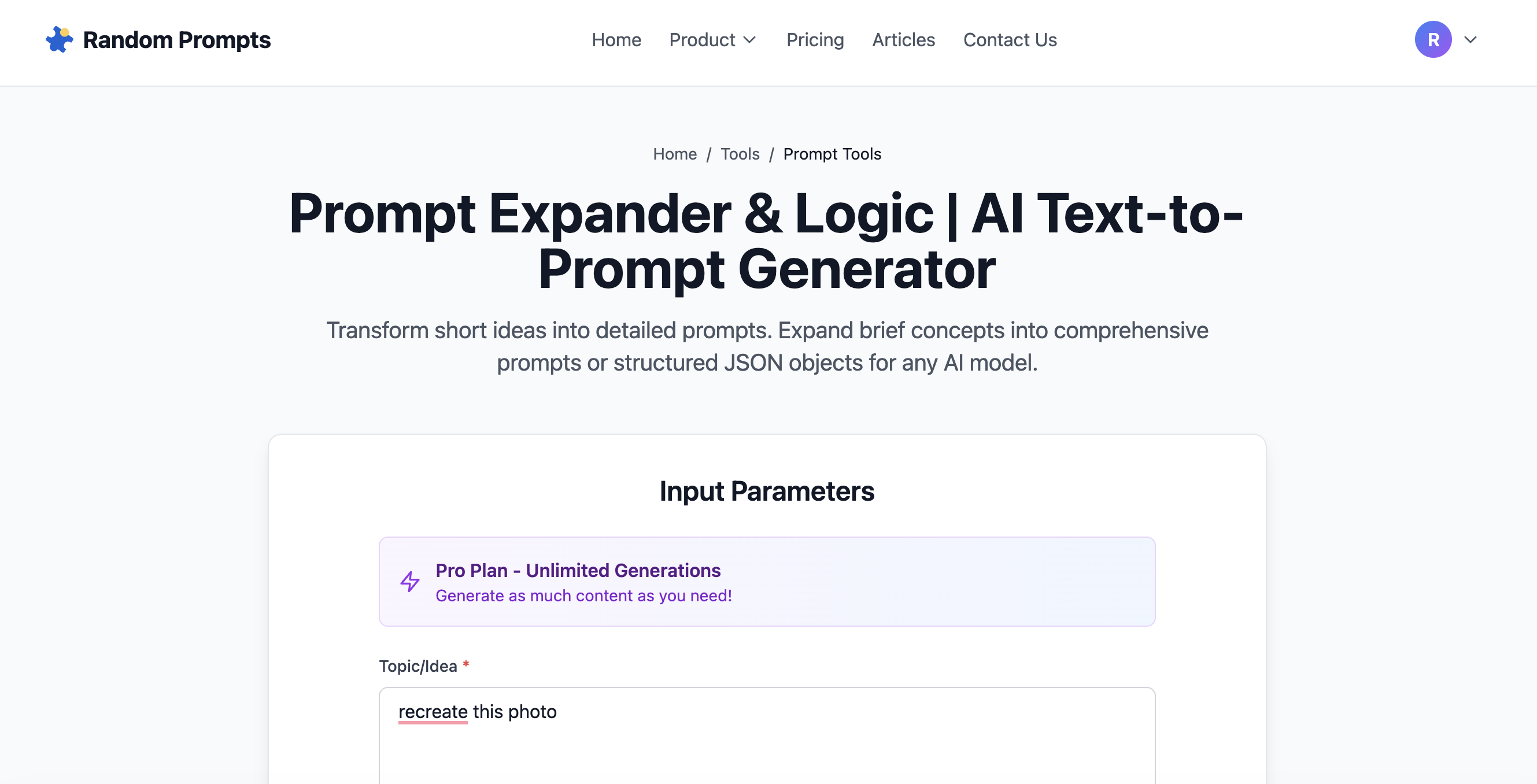
Short, vague prompts produce mediocre AI outputs.
Detailed, structured prompts produce professional-grade results.
The problem? Most people don't know how to write detailed prompts—or don't want to spend 10 minutes crafting each one.
This free Prompt Expander solves that problem by turning your brief ideas into comprehensive AI instructions in seconds.
Try the Prompt Expander Tool →
What Is a Prompt Expander?
A prompt expander is an AI prompt engineering tool that takes your short, basic prompts and transforms them into detailed, structured instructions optimized for AI models like:
Instead of writing: > "Write a blog post about AI"
The prompt expander generates: > "Write a 1,500-word SEO-optimized blog post about AI's impact on content marketing in 2026. Include practical examples, data-driven insights, and actionable strategies for marketers. Use a professional but conversational tone. Structure with H2 headings, bullet points, and a compelling introduction that hooks the reader immediately."
See the difference?
Why You Need to Expand AI Prompts
1. Better AI Output Quality
AI models respond to specificity. The more detail you provide, the more accurate and useful the response becomes.
Vague prompt: > "Design a logo"
Expanded prompt: > "Design a minimalist logo for a tech startup called 'CloudSync.' Use geometric shapes, incorporate cloud imagery subtly, color palette limited to blues and grays, modern sans-serif typography, vector format suitable for both web and print."
The second prompt eliminates guesswork and produces exactly what you need.
2. Saves Time on Prompt Engineering
Writing detailed prompts from scratch takes time and expertise. A prompt engineering tool automates this process, letting you:
3. Works Across All AI Platforms
Whether you're using ChatGPT for copywriting, Midjourney for image generation, or Claude for analysis, improve AI prompts with the same expansion technique.
The tool adapts your brief idea into platform-specific instructions.
How to Use the Prompt Expander
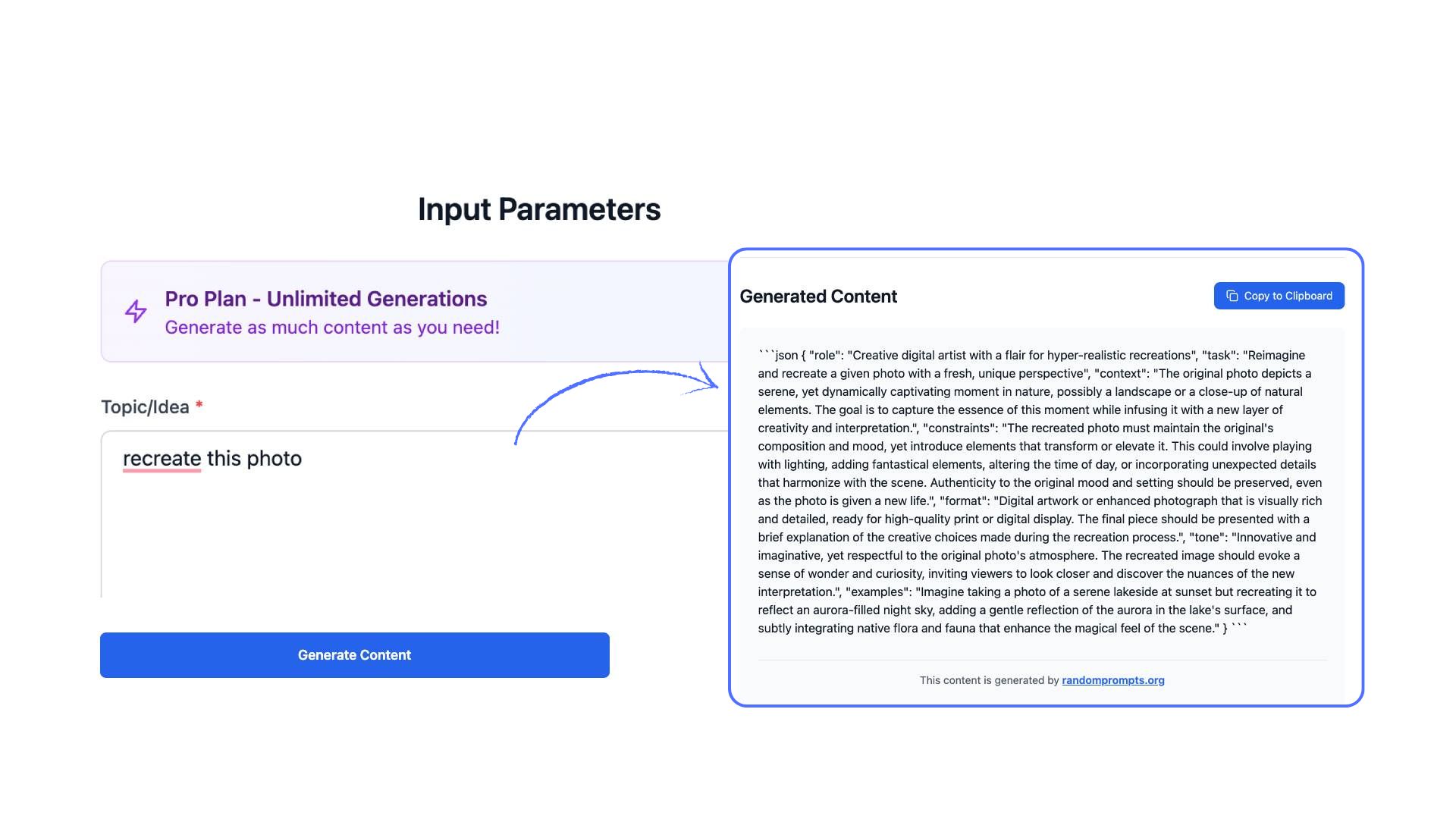
Step 1: Enter Your Short Prompt
Type your basic idea or request. Examples:Step 2: Choose Detail Level (Optional)
Select how detailed you want the expanded prompt:Step 3: Generate Expanded Prompt
The AI analyzes your input and generates:Step 4: Copy & Use Immediately
Copy the expanded prompt and paste it into ChatGPT, Midjourney, or any AI tool. Get better results instantly.Try the Free Prompt Expander →
Real-World Use Cases
Content Creators
Original: "Blog post about productivity"Expanded: "Write a 2,000-word evidence-based blog post about science-backed productivity techniques for remote workers. Include time management frameworks (Pomodoro, Time Blocking), deep work strategies, and tool recommendations. Cite academic research. Use conversational tone with personal anecdotes. Include actionable takeaways at the end."
Designers & Artists
Original: "Cyberpunk cityscape"Expanded: "Digital illustration of a dense cyberpunk cityscape at night, neon signs in Japanese and English, rain-slicked streets reflecting pink and blue neon lights, flying vehicles in the distance, dramatic perspective from street level looking up at towering skyscrapers, Blade Runner aesthetic, cinematic composition, high contrast, detailed architectural elements."
Business Professionals
Original: "Executive summary for quarterly report"Expanded: "Write an executive summary for Q4 2025 financial report targeting board members. Highlight 15% revenue growth, successful product launch, market expansion into APAC region, key challenges faced, and strategic priorities for Q1 2026. Keep under 500 words, use data-driven language, maintain confident professional tone."
Developers & Marketers
Original: "Landing page copy"Expanded: "Write conversion-focused landing page copy for a B2B SaaS analytics platform. Target audience: marketing directors at mid-size companies. Pain point: scattered data across multiple tools. Solution: unified dashboard with real-time insights. Include benefit-driven headline, 3 key features with icon descriptions, social proof section, urgency-driven CTA. Tone: professional but approachable."
Common Prompting Mistakes This Tool Fixes
❌ Mistake 1: Being Too Vague
Bad: "Make an image" Fixed: "Create a photorealistic portrait of a female astronaut, golden hour lighting, shallow depth of field, NASA spacesuit, Earth visible in helmet reflection, inspirational and hopeful mood."❌ Mistake 2: Missing Context
Bad: "Write code" Fixed: "Write Python code for a web scraper that extracts product prices from an e-commerce site. Use BeautifulSoup and requests libraries. Include error handling, rate limiting, and CSV export functionality. Add comments explaining each section."❌ Mistake 3: No Format Specification
Bad: "Analyze this data" Fixed: "Analyze the following sales data and provide: 1) Key trends over the past 12 months, 2) Top-performing product categories, 3) Seasonal patterns, 4) Actionable recommendations. Present findings in executive summary format with supporting visualizations described."❌ Mistake 4: Unclear Tone or Style
Bad: "Write a post" Fixed: "Write a LinkedIn post about AI adoption in healthcare. Tone: thought leadership, professional but conversational. Include a hook question, 3 key insights with examples, and a call-to-action encouraging discussion. Length: 150-200 words."The Science Behind Better Prompts
AI models like GPT-4 and Claude work on context windows—they perform better when given:
1. Clear objectives (what you want) 2. Specific constraints (format, length, style) 3. Contextual information (audience, purpose, tone) 4. Examples or references (when applicable)
The Prompt Expander automatically structures your input to include these elements, following a smarter AI prompting workflow based on prompt engineering best practices.
Tips for Getting the Best Results
1. Start With a Clear Core Idea
Even though the tool expands your prompt, starting with a focused concept produces better results.Good starting prompt:
Too vague:
2. Specify Your Use Case
Mention the AI tool you're using if relevant:3. Combine With Other Tools
Use the Prompt Expander alongside other AI prompt tools:4. Iterate and Refine
If the first expansion isn't perfect, try:Who This Tool Is For
Frequently Asked Questions
Is the Prompt Expander free?
Yes. Free users get daily credits to expand prompts. Premium users get unlimited expansions.Does it work with all AI models?
Yes. The expanded prompts work with ChatGPT, Claude, Gemini, Midjourney, Stable Diffusion, and most AI platforms that accept text instructions.Can I save my expanded prompts?
Yes, when signed in, your prompt history is saved for future reference.How detailed should my original prompt be?
A single sentence or phrase is enough. The tool handles the expansion. More context helps but isn't required.Start Expanding Your Prompts Today
Stop wasting time writing detailed prompts from scratch.
👉 Try the Free Prompt Expander Now
Transform "write a blog post" into a comprehensive content brief in seconds. Get better AI outputs without becoming a prompt engineering expert.