Trending right now
Real outputs from the prompts on each page.
 🔥 Hot
ChatGPT
ChatGPT Caricature Trend
"Create a caricature of me based on everything you know about me" — the prompt that filled every feed.
ChatGPT · Gemini
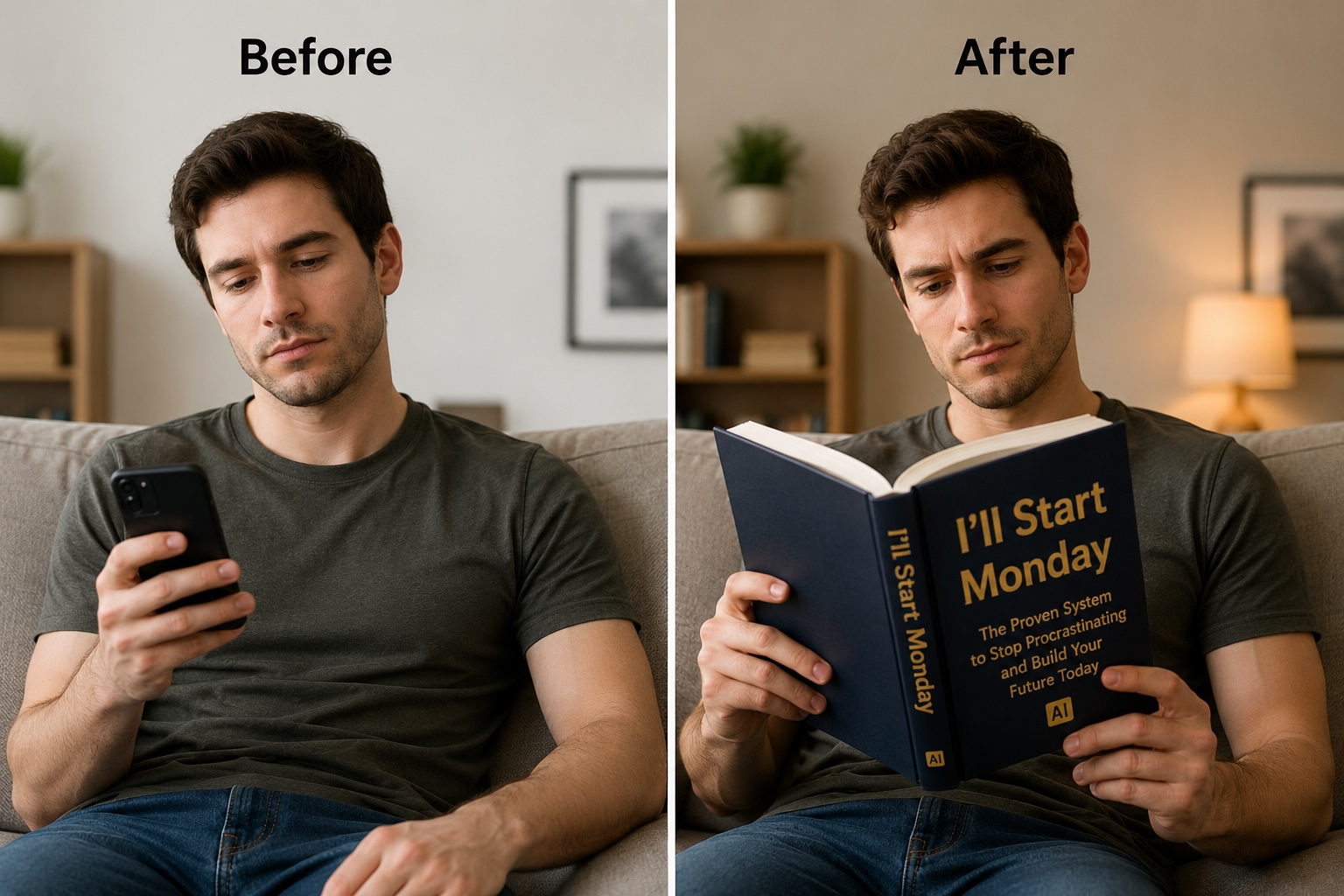
AI Book Trend
Swap your phone for a funny self-help book — the "books of old" TikTok meme.
 🔥 Hot
GPT Image 2.6
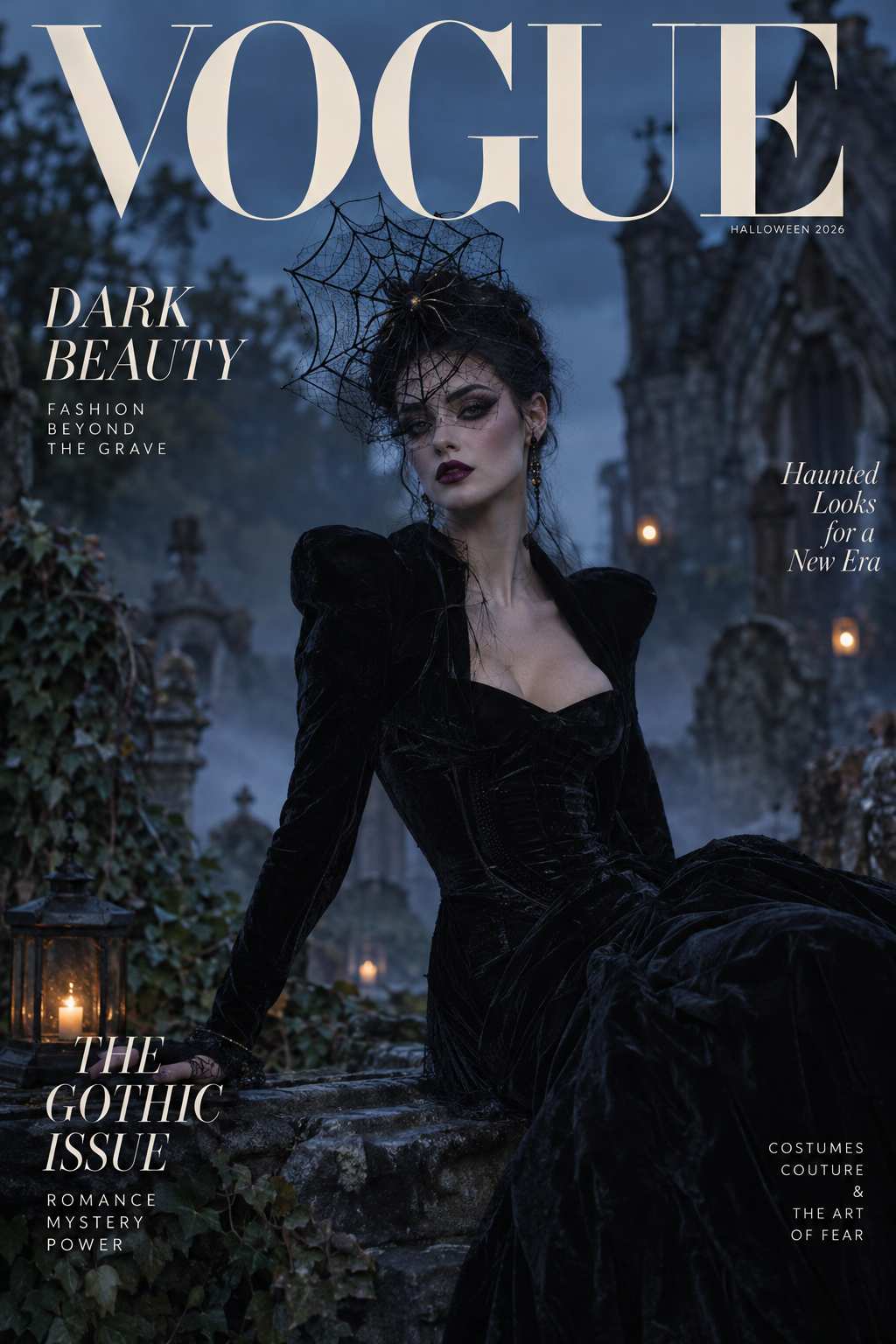
AI Magazine Cover
Put yourself on a Vogue, TIME or Rolling Stone cover with editorial styling.
Nano Banana 2
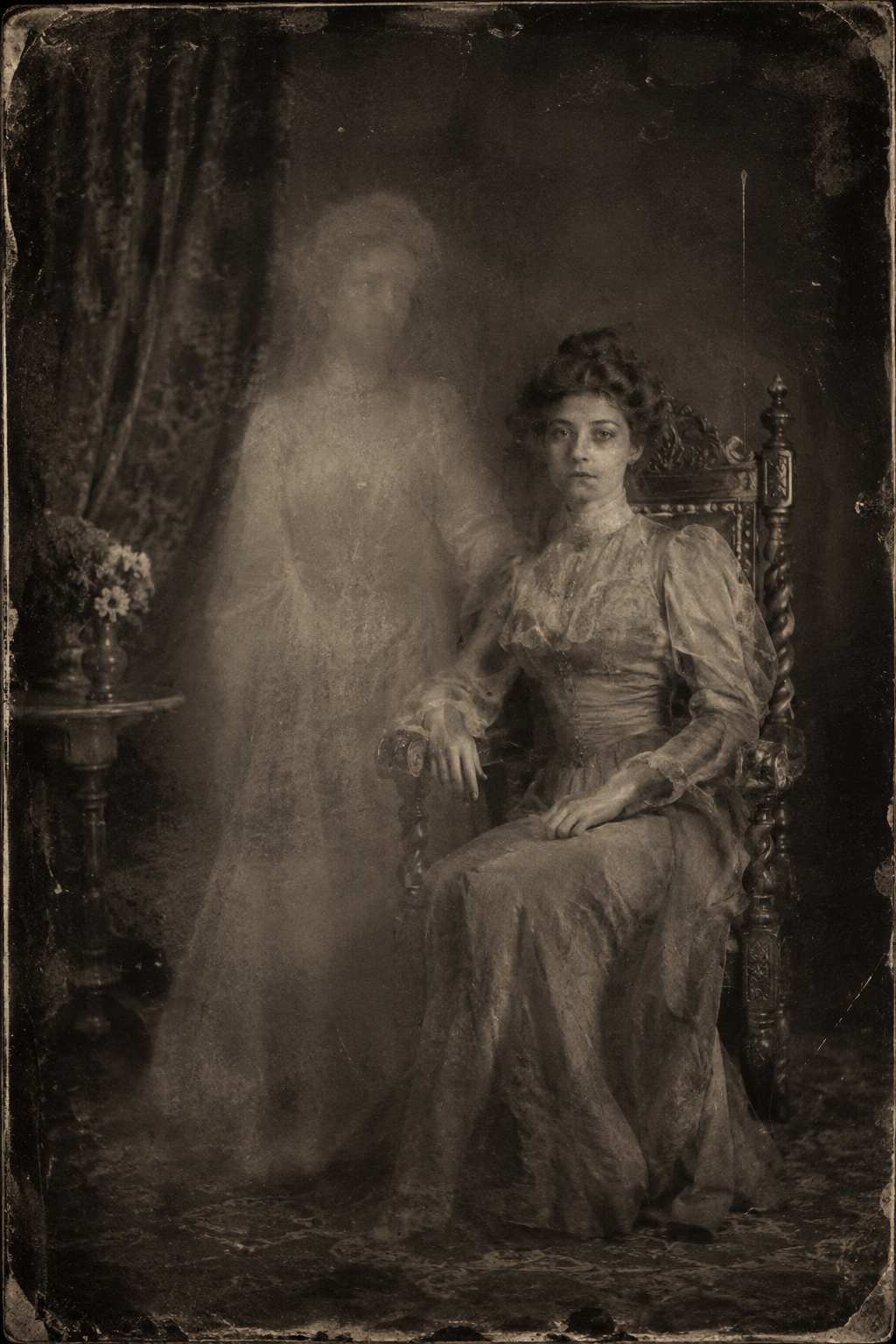
Ancestor Photo Prank
Turn a selfie into a convincing 1800s portrait and fool the group chat.
ChatGPT · MidJourney
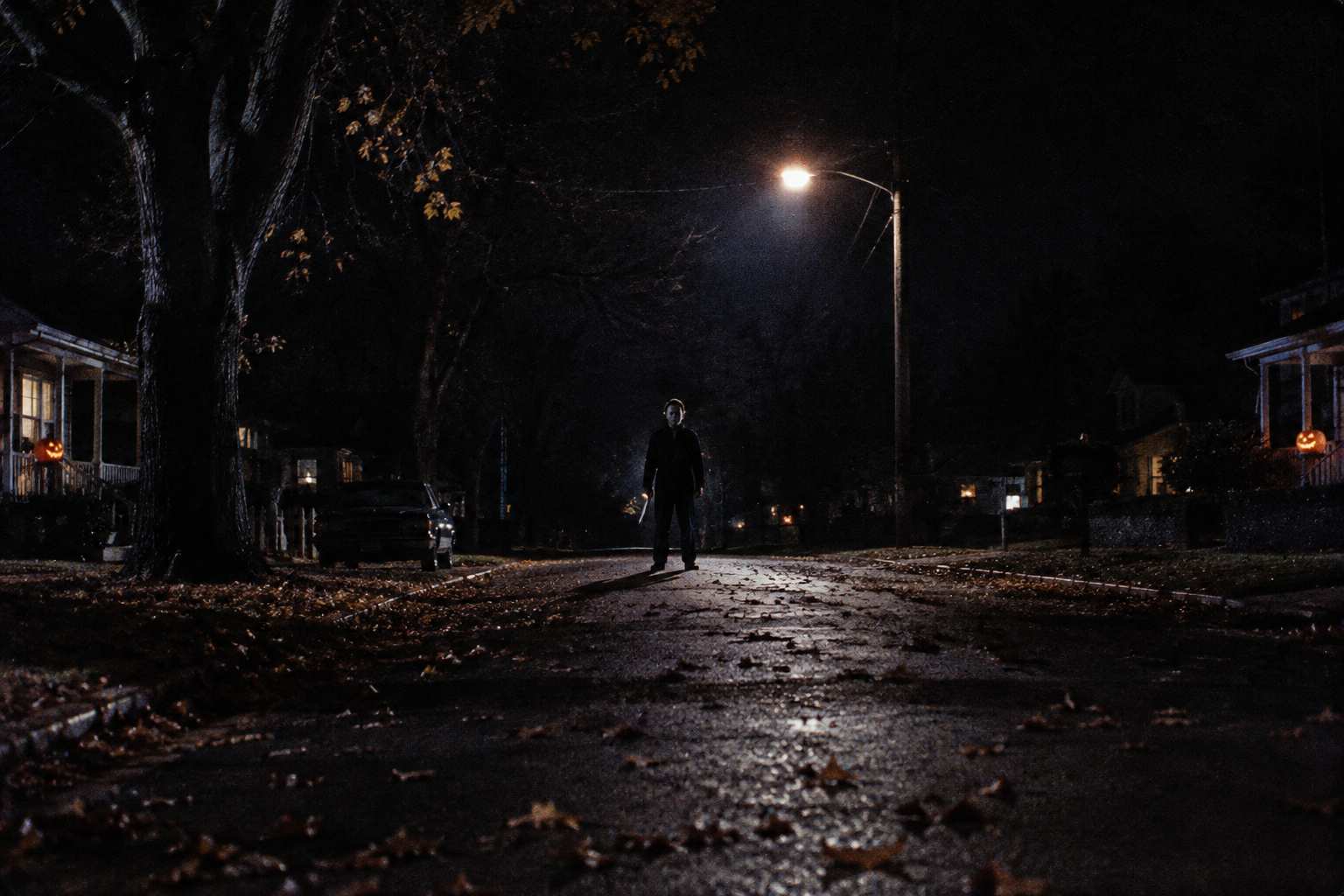
Halloween AI Photos
Spooky portraits, horror scenes and moody autumn streetlight edits.
You as a toy, cartoon or character
The biggest viral AI prompts of 2026 all turn a selfie into something collectible.
ChatGPT Action Figure
You, boxed as a collectible action figure with accessories.
Get promptsPixar AI Character
"What would I look like as a Pixar character?"
Get promptsToyification
Pop Mart blind-box vinyl art toy version of you.
Get promptsChibi AI
Big-head kawaii figurines and sticker-style characters.
Get promptsMuppet AI
Felt-puppet Jim Henson style portraits.
Get promptsLEGO AI
Brick-built minifigure version of you, your pet or your room.
Get promptsMiniature Me
Tilt-shift diorama and tiny-figurine-on-the-desk shots.
Get promptsAI Face Sticker Sheet
16-grid die-cut sticker pack of your own face.
Get promptsEmotional & reveal trends
Story-driven prompts built for carousels and before/after reveals.
"I'm So Sorry" Reveal
Polished AI version first, the real you on the last slide.
Get promptsHug My Younger Self
Present-day you embracing your childhood self.
Get promptsPet to Human
What your dog or cat would look like as a person.
Get promptsAI Glow Up
Before-and-after makeovers and style upgrades.
Get promptsAI Zombie Reveal
Normal selfie that slowly turns undead.
Get promptsGhostface Trend
Horror-movie mask photos with a cinematic grade.
Get promptsViral filters & photo aesthetics
The looks everyone is recreating on Instagram and TikTok right now.
Instagram Flash Filter
Harsh Y2K digicam flash, dewy skin, late-night energy.
Get promptsLo-Fi Dusk Filter
Moody dusk shadows, warm rim light and grain.
Get promptsDark Stage Effect
Single spotlight cinematic portrait on black.
Get promptsFilm Grain Aesthetic
Analog grain, light leaks, faded film tones.
Get promptsChatGPT 80s Photo
Laser backdrops, big hair, soft-focus studio glow.
Get promptsChatGPT 90s Photo
Disposable camera, grunge and mall-glamour shots.
Get promptsAI Polaroid
Instant-film border, flash blur and faded colour.
Get promptsMatcha Filter
Flowing matcha-green liquid art portraits.
Get promptsWeird, funny & video trends
Absurd meme prompts and short-video formats that rack up views.
AI Cakeify
Any object sliced open to reveal it was cake all along.
Get promptsAI Squish Effect
Objects squished like memory foam — ASMR video trend.
Get promptsAI Baby Dance
Dancing baby videos from a single photo.
Get promptsItalian Brainrot
Surreal AI meme creatures with absurd names.
Get promptsPeanut Butter Humanoid
"Give me peanut butter please" — face kept, body becomes PB.
Get promptsK-Pop Jumbotron
You on the giant screen at a stadium concert.
Get promptsAI Movie Poster
Selfie-to-blockbuster poster, horror or A24 style.
Get promptsAI Character Sheet
Sketchbook turnaround sheet of you as an OC.
Get prompts20 viral AI prompts to copy and paste
One ready-to-use prompt for each of the biggest trends. Upload your photo, paste the prompt, and replace anything in [brackets].
Create a caricature of me based on everything you know about me. Exaggerate my head and expression, surround me with objects that represent my job, hobbies and personality, colourful hand-drawn illustration style.
Using my photo, create a realistic collectible action figure of me in a clear blister pack. Label the box with my name and a fun tagline. Include 4 accessories that match my hobbies. Keep my face exactly as in the photo.
Turn my photo into a Pixar-style 3D animated character — big expressive eyes, soft subsurface skin, stylised proportions, warm studio lighting, colourful background. Keep my hairstyle, outfit and recognisable features.
Turn me into a Pop Mart blind-box vinyl art toy: glossy matte finish, rounded chibi proportions, simplified features, standing on a small base next to its pastel packaging box. Studio product photo, soft shadows.
Create a tiny realistic figurine of me standing on a wooden desk next to a coffee cup for scale. Tilt-shift depth of field, soft window light, the figurine wears my exact outfit and has my face.
Put me on the cover of a high-fashion magazine. Editorial studio portrait, dramatic lighting, elegant serif masthead at the top, three short cover lines on the side, the issue date in small text. Keep my face unchanged.
Turn my selfie into an authentic-looking 1890s studio portrait — sepia tintype, period clothing, stiff formal pose, carved wooden chair, scratches and worn edges. Keep my facial features recognisable.
Using my current photo and my childhood photo, create a realistic image of adult me hugging my younger self. Match the lighting so we look like we are in the same room. Soft warm tones, emotional but natural.
Imagine my pet as a human. Keep their personality, colouring and expression — fur colour becomes hair colour, collar becomes an accessory. Realistic portrait photo, natural light, friendly setting.
Slide 1: Make my photo look like a flawless magazine edit — perfect skin, studio lighting, luxury background. Slide 2: same photo, half as polished. Slide 3: keep it almost raw, just fix the lighting. Keep my face identical across all three.
Recreate my photo with a harsh direct on-camera flash: late-2000s point-and-shoot look, dewy skin highlights, dark background falloff, slight red-eye, timestamp in the corner. Keep my face unchanged.
Edit my photo into a lo-fi dusk portrait: deep blue-hour sky, warm orange rim light from a streetlamp, soft film grain, slightly lifted blacks, cinematic and moody. Keep my face and outfit unchanged.
Place me alone on a pitch-black stage lit by a single overhead spotlight. Hard shadows, haze in the light beam, dramatic cinematic contrast, everything outside the light falls to black.
Recreate my photo as a 1980s studio portrait — laser or soft gradient backdrop, big voluminous hair, period makeup and clothing, soft-focus glow, slightly faded film colours. Keep my face identical.
Turn my photo into a real Polaroid instant print: white border, slightly blown-out flash, faded warm colours, a tiny bit of motion blur, photographed lying on a wooden table.
Turn my photo into a cinematic movie poster: dramatic key art, moody colour grade, a bold title at the bottom, billing block credits, tagline at the top. Keep my face as the lead actor.
A hand holds a knife and slowly slices through a realistic [object]. As the blade cuts, the inside is revealed to be layered sponge cake with frosting. Close-up, soft kitchen light, satisfying slow motion.
Two hands press down on a [object] and it squishes like soft memory foam, then slowly springs back to its original shape. Clean studio background, macro close-up, ASMR slow motion.
Create a surreal meme creature that is half [animal] and half [everyday object], photorealistic, standing in a sunny Italian piazza, dramatic low angle, absurd but highly detailed. Give it a ridiculous Italian-sounding name.
Using my photo, create a 4x4 sticker sheet of me with 16 different expressions and poses — laughing, thumbs up, crying, shocked, sleepy. Cartoon style, thick white die-cut borders, transparent background.
Want 50 more photo-only prompts? See the viral AI photo trend prompts collection, or the evergreen ChatGPT photo editing prompts.
How to use viral AI prompts
-
1
Pick a trend
Choose a card above. Each trend page has 20 tested variations.
-
2
Upload a clear photo
Front-facing, good light, face not covered. One person works best.
-
3
Paste the prompt
Use ChatGPT or Gemini for photos, Kling or Hailuo for video trends.
-
4
Refine and post
Ask for small fixes in the same chat instead of regenerating from scratch.
Viral AI prompts — FAQ
What are viral AI prompts?
Viral AI prompts are the copy-paste instructions behind the AI photo and video trends that spread on TikTok, Instagram and X — things like the ChatGPT caricature, the action figure box, the Pixar character and the "I'm so sorry" reveal. You paste the prompt into ChatGPT, Gemini or another AI tool, usually with your own photo, and get the same style everyone is posting.
Which AI tool works best for viral photo prompts?
ChatGPT (GPT Image 2.6) is the most reliable for trends that need text on the image, like action figure boxes and magazine covers. Gemini (Nano Banana 2) is best at keeping your face identical when editing a selfie. For video trends like cakeify, squish and baby dance, use Kling, Hailuo or Dreamina.
Are these viral AI prompts free?
Yes. Every prompt on this page and every linked trend page is free to copy and use with no signup. The AI tools themselves have free tiers — ChatGPT and Gemini both allow free image generation with daily limits.
How do I keep my face the same in a viral AI photo?
Upload a clear, front-facing photo with good light, and add "keep my face exactly as in the photo" or "keep my facial features unchanged" to the prompt. If the result drifts, reply with "make the face match my original photo more closely" instead of starting over.
How often is this list of viral AI prompts updated?
We add a new trend page whenever a format goes viral and nobody has published a proper copy-paste prompt collection for it yet. New trends are added to the top of the relevant section on this page.
Can I use viral AI prompts for videos too?
Yes. The cakeify, squish, baby dance and zombie reveal trends are video formats. Generate a still image first, then animate it with an image-to-video model such as Kling, Hailuo or Dreamina using the motion prompt on each trend page.